QuickBooks Business Bookkeeping CleanupTwo files and a filed year
A made-up pair of companies. No name you could look up. No dollar.
Name the day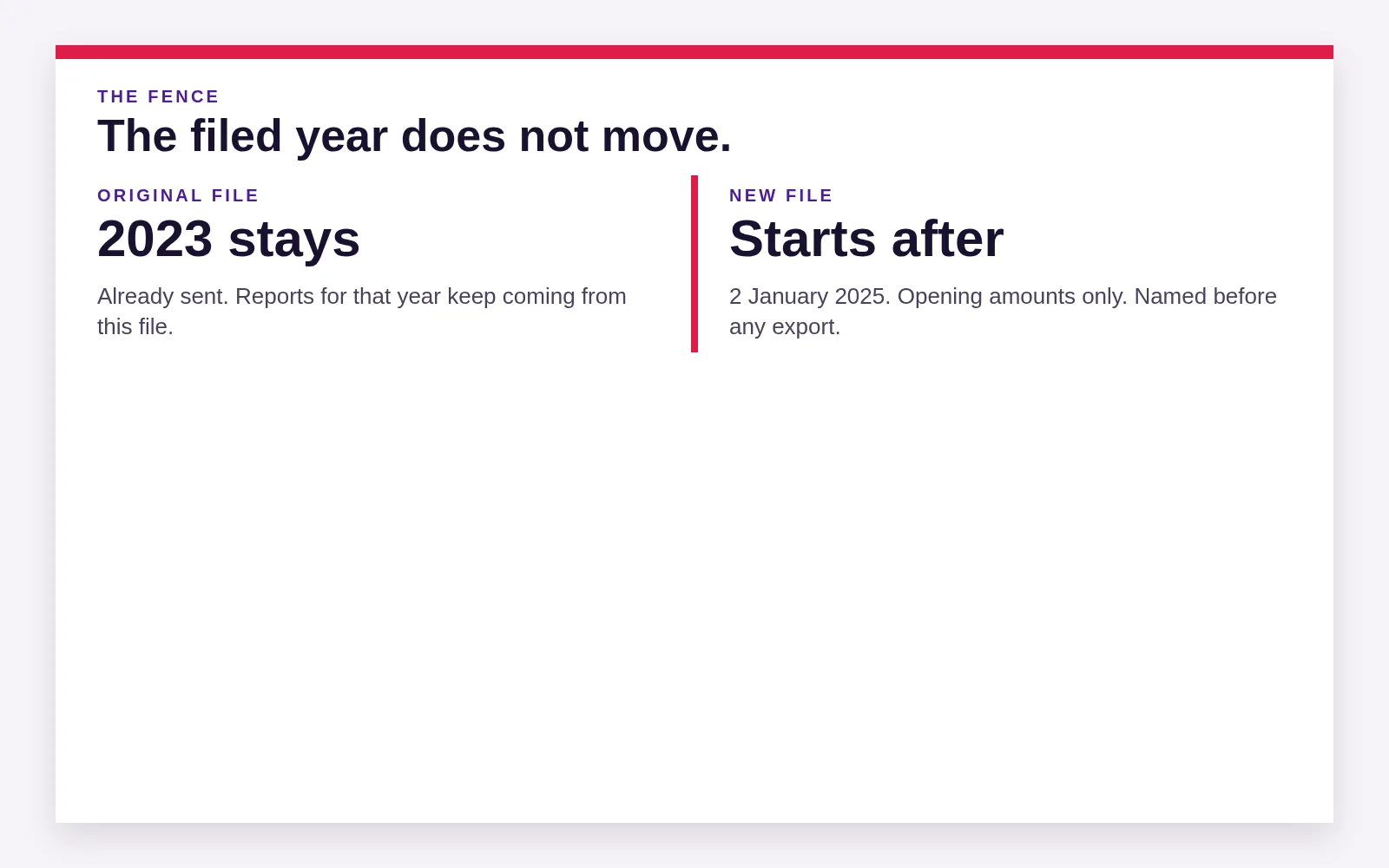
The picture
Imagine two LLCs and one login. The class list uses the two names. No transaction is recoded in the story. The first question written down is each company's election. The second is whether a filed year sits inside the shared file. Only then does anyone discuss a second file.
A filed year is a course already finished. We do not drag that finish into the next file. The original file keeps the year that was sent, and the new file starts after the fence, on a day you name before anyone exports a line. A buyer who wants that finished year is pointed at the original file.
How the fence works
The filed year stays in the original file. A closing date is the fence. Reports for that year keep coming from the original file, because that is the file the return was built on.
The new file starts on a day you name before any export. Opening amounts belong in retained earnings, not in a leftover equity bucket the software creates and then forgets. An asset already used up can be booked with a cost and the depreciation already taken, and with no equity leg at all.
The two companies in the story were invented for the page. They are not a file this office has touched. If the shape is yours, the next step is the day, not a merge.
What we will not do in the story
We will not pour the filed year into the new file so the login looks like one clean history. We will not rename the classes first and hope the election reveals itself. We will not treat the shared bank feed as proof that the companies are one.
If the picture is not yours, say so. One company with messy classes is a different job, and it can stay one file.
After the day is named
The day you name is the first day of the new file. Nothing before that day moves. Reports for the filed year keep their home in the original file, because that is the file the return was built on. A buyer who asks for that year is pointed at the original file, not at a copy that pretends the year is still open.
The new file opens with the amounts you and we agree are still alive. Cash that is real, an asset that is still in use, a loan that is still owed. A balance that was only a plug to make the old login tie does not come along for the ride.
Classes that were legal names become the names of the files, or they retire. They do not stay as a second chart inside the new company. Locations that were real places can be created again, on purpose, inside the company that actually works there.
No owner name sits in the story, and no result in it could be mistaken for a file you know. When the papers line up, the next step is the day. When your papers tell a different story, write the difference in the note. One company with a messy open year is a repair, not a split.
Pick the day before anyone moves a transaction. A day chosen after the export is a day the software invented. We want the day in your words first. The first of a month is common. The day after the filed year closed is better when a return has already gone out. Say which one you mean.
After the files exist, each one closes on its own calendar. You can ask for both, or for the company that was split out. The shared bank login, if it remains, is a convenience for downloads. It is not evidence that the companies merged back together.
Name the start day
The day a second file would begin.

You will be talking to the Steven Palmieri practice.